The easiest way to play The Sentinel is online. The "Play online" link below will run the game right here in your browser, using the JSBeeb emulator.
Full instructions can be found in multiple languages in the instruction leaflet for The Sentinel (PDF).
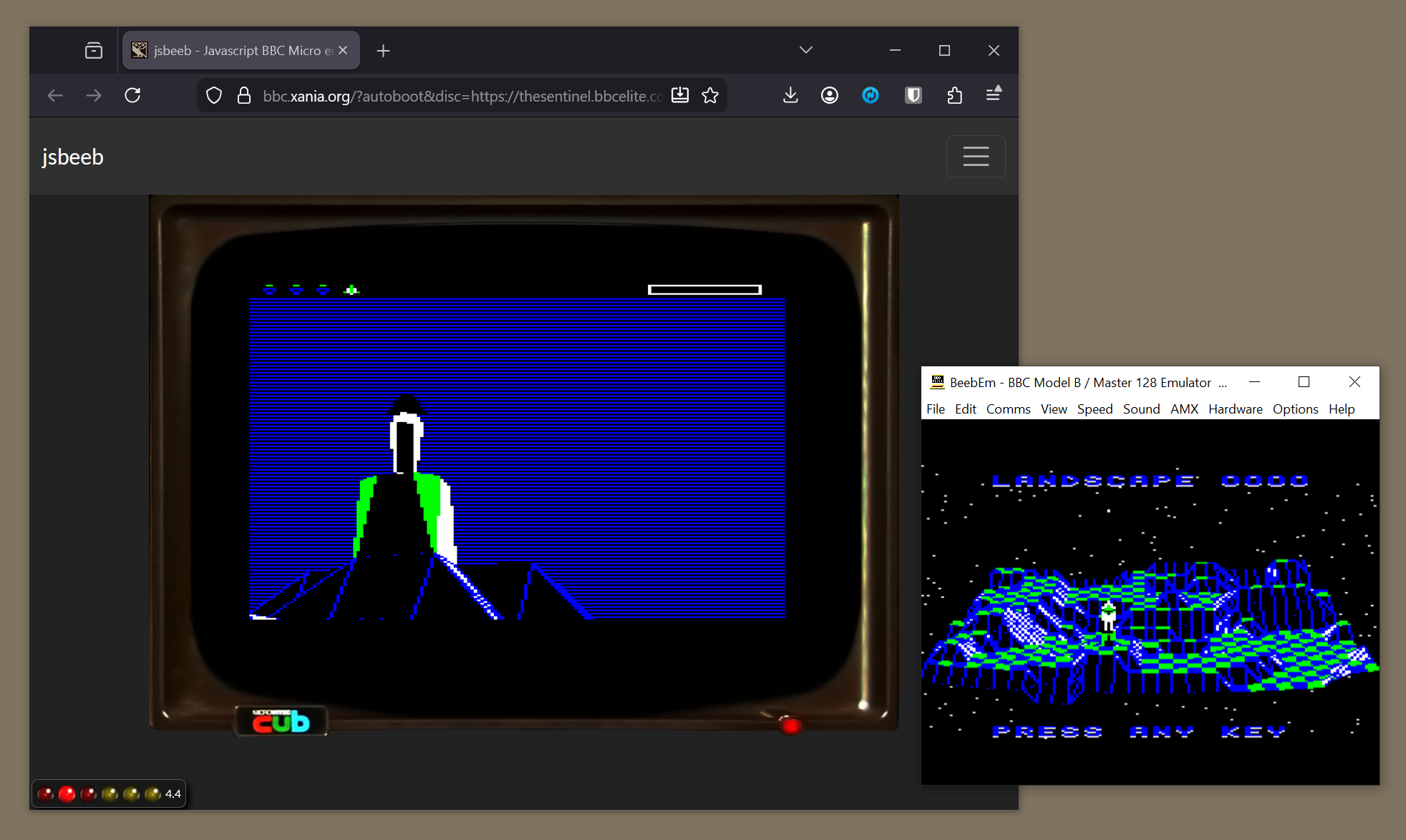
Note that modern keyboards don't have the same range of keys as the BBC Micro, or even the same layout. In particular, BBC keys like f0 and COPY don't tend to exist anymore, so you may have to check the documentation to see which keys you should press instead. In JSBeeb you should press f10 instead of f0, for example.
If you want to play the game on a real vintage computer or in an emulator that you've installed on a modern machine, then there's also a link to the relevant SSD single-sided disc image. To play The Sentinel with an SSD disc image, load the disc image into drive 0 and press SHIFT-BREAK.
There is only one official version of The Sentinel, which you can play using these links:
- The Sentinel on the BBC Micro (Firebird)
The game is the same on both the cassette and disc versions.