How the game stores projected 3D data without taking up too much memory
If memory constraints weren't a problem, it would be pretty easy to make The Sentinel's landscape scroll in real time. You could, for example, simply draw the entire landscape panorama into a screen buffer like this, and just copy the relevant parts into screen memory when scrolling:
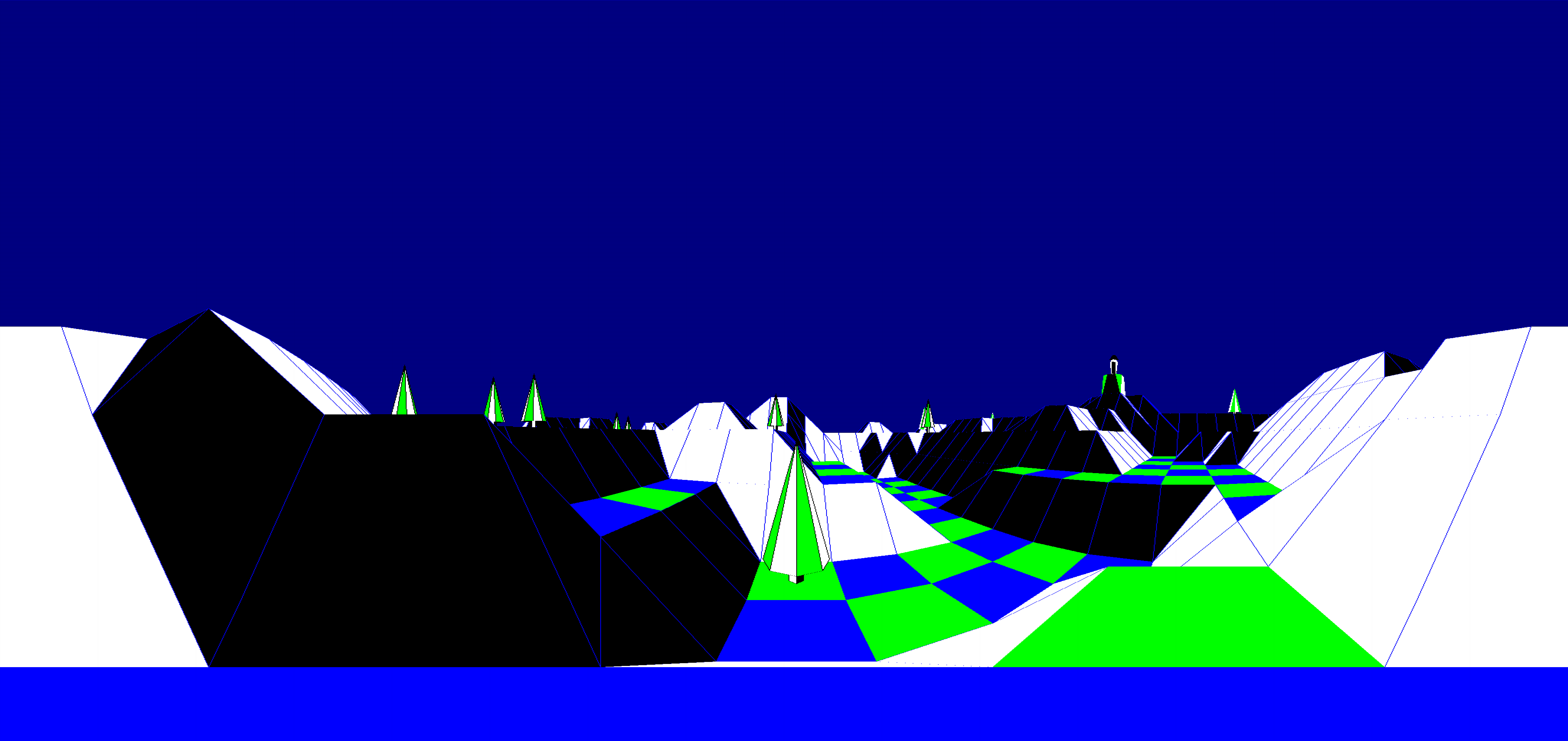
Or you could cache all of the complex calculations that work out the screen coordinates for the tile corners and object points, so you'd only have to make the polygon-drawing routines fast enough to support smooth scrolling.
Of course, memory constraints are a problem on the BBC Micro, with only 32K of RAM that gets shared between the operating system, screen memory and the game itself. Storing the entire 2048x1856-pixel landscape view at four pixels per byte would require 928K of RAM, which is clearly not going to happen, but what about storing the results of the various calculations? Well, we don't have room to store everything, but there is room to cache some of the more important calculations, and that's where the drawing tables come in.
Let's see what's involved.
Storing calculation results
---------------------------
As mentioned above, The Sentinel is a bit of a tight fit on the unexpanded BBC Micro. The screen grabs 8K, the screen buffers take another 3.75K, the tile data table gobbles up 1K, and the remaining 19.25K has to be split between the needs of the operating system and the game's code and variables. That isn't a lot of spare room; see The Sentinel memory map for details.
One of the biggest challenges is working with such a large landscape. The landscape is defined by tile corners, and with a 32x32 grid of corners, that's a total of 1024 tile corners. It's important that we draw the landscape as quickly as possible, because panning around the landscape is such a vital part of the gameplay, and one way of making things slightly quicker is to cache the results of difficult calculations. But with a small amount of memory and such a large number of tile corners, things can quickly get out of hand.
For example, when we start a new landscape or the player moves to a new tile, the game runs through every tile corner and works out whether that corner is potentially visible to the player. It stores the results using a single bit to denote whether a tile corner is visible or not visible, so for 1024 tile corners that's a total of 128 bytes, which are stored in the tileVisibility table (you can read all about this process in the deep dive on ray-casting for the tile visibility table).
128 bytes isn't too much to sacrifice if it means we don't have to repeat the visibility checks for each tile corner every time we draw a tile, but what if we want to store the pitch and yaw angles of each point, which we need to know before we can project the point onto the screen? That would speed things up quite a bit, so it's certainly worth considering.
If we wanted to store the angles for every tile corner in the landscape, then that would take up four bytes for each tile corner, as each of the two fractional angles needs two bytes, so that would require a total of 4K. Given that there are only 291 bytes free once The Sentinel is loaded, that's not very realistic. And this only covers the tile corners; we also need somewhere to store projected object coordinates while we're drawing the 3D objects, as we have to draw them at the same time as we draw the landscape, as objects can be obscured by landscape features between them and the viewer.
Instead of storing data for all the tile corners, then, The Sentinel opts for a compromise that caches the calculations, but only for as long as they are needed. Let's see how it works.
The drawing tables
------------------
The solution to the caching problem is a set of "drawing tables". There are a few collections of drawing table, as follows:
- Visibility calculations are stored in the drawing tables at oddVisibility and evenVisibility.
- Tile data is stored in the drawing table at tileViewData.
- Pitch angle calculations are stored in the drawing tables as two-byte values, with a high byte for the integer in the drawViewPitchHi table and a low byte for the fractional part in the drawViewPitchLo table.
- Yaw angle calculations are stored in the drawing tables as two-byte values, with a high byte for the integer in the drawViewYawHi table and a low byte for the fractional part in the drawViewYawLo tables.
- Object point angle calculations are stored in the drawing tables as two-byte values. These are stored after the pitch and yaw angles for the tile corners, at offset 64 within each table.
Caching the results of the visibility and angle calculations makes a lot of sense, as they involve complex geometry, but the reason for caching the tile data is slightly less obvious. In this case it isn't speed of calculation that we are saving, but speed of extraction, because extracting tile data from the tileData table requires a non-trivial calculation to find the correct index. Not only that, but if we make a copy of the tile data in the drawing table, we can also modify it, which we can't do in the original table without corrupting the landscape. So we can also combine the visibility data with the tile data by zeroing this value for hidden tiles, which means we don't need to extract the tile's individual bit from the tileVisibility table every time. You can see the visibility being applied to the tile data drawing table in part 3 of GetTileViewAngles.
The clever part about the drawing tables is that they are small. The oddVisibility and evenVisibility tables take up just 32 bytes each, and the same part of memory is reused for the tileViewData table, which is 64 bytes long. And the four tables that store the drawViewPitch(Hi Lo) and drawViewYaw(Hi Lo) calculations are 64 bytes each, so that's a total of 256 bytes for the tile angles, and there's a further 128 bytes for storing the object points. That's a grand total of 448 bytes for all of the drawing tables, which is a much more realistic requirement when memory is tight.
Let's take a look at how The Sentinel makes the drawing tables so small, and how they differ from the other landscape data tables like tileVisibility and tileData.
Offset and index
----------------
The key to the drawing tables is that instead of trying to store data for all of the tile corners, we just store data for the ones that we need for the current drawing task. This is different to the likes of the tileVisibility and tileData tables, which store information for all 1024 tile corners at the same time.
For example, when we draw the landscape view, we draw it row by row, starting with the row that's furthest from the viewer and working towards the camera one tile row at a time. We therefore only need to store the following data at any one time:
- The screen-relative pitch and yaw angles of the tile corners along the back of the tile row that we're drawing.
- The screen-relative pitch and yaw angles of the tile corners along the front of the tile row that we're drawing.
- The screen-relative pitch and yaw angles of any 3D objects that we need to draw on this row (which we can store for one object at a time, as we draw each one).
Each of these three takes up a maximum of 32 bytes, as each tile row has no more than 32 tile corners along the back and front of the row, and each 3D object has no more than 32 object points (the biggest is The Sentinel object, which contains 30 points).
The pitch and yaw angles for the row that we are currently drawing can therefore be stored in the following manner:
| Data | Table | Offset |
|---|---|---|
| Tile pitch angles (row 1) | drawViewPitch(Hi Lo) | 0 to 31 |
| Tile yaw angles (row 1) | drawViewYaw(Hi Lo) | 0 to 31 |
| Tile pitch angles (row 2) | drawViewPitch(Hi Lo) | 32 to 63 |
| Tile yaw angles (row 2) | drawViewYaw(Hi Lo) | 32 to 63 |
| Object pitch angles | drawViewPitch(Hi Lo) | 64 to 95 |
| Object row angles | drawViewPitch(Hi Lo) | 64 to 95 |
The two tile corner tables need some further explanation. When we are drawing a tile row in the landscape, we need to be able to store the pitch and yaw angles for both the tile corners along the back of the tile row and the tile corners along the front of the tile row, so we can fetch the four coordinates that make up each tile and pass them to the polygon-drawing routine. When we have finished drawing that tile row and we move on to the next row, the angles for the front row of tile corners for the row we just drew are now the angles for the rear row of tile corners on the new row we are drawing, so we still need them.
We could just copy the front corners into the drawing table for the back corners, but instead we flip between the two drawing tables. So, for example, for the furthest tile row at the back, we store the rear tile corners in row 1 and the front tile corners in row 2, and when we move forwards to the tile row in front of that, we keep the data in row 2 to use as the angles for the rear tile corners and store the front tile corners for the new tile row in row 1 of the drawing table... and so on.
We keep track of the current drawing table configuration using two variables:
- When storing tile angles in the drawing tables, the drawingTableOffset variable is set to either 0 or 32, which controls whether we access tile corner row 1 or tile corner row 2. The drawingTableOffset can be flipped between the two rows using a simple EOR #32 instruction. This variable is ignored when storing object angles in the drawing tables.
- For all the drawing tables, the drawingTableIndex variable controls which corner or point within the drawing table we are accessing. When storing tile angles, the index runs from 0 to 31 and points to the location within the current offset, while for object points, drawingTableIndex starts at 64 and increments with each point that is added to the drawing table.
This means that the layout of data in the drawing tables is always the same. Consider the tile layout that gives each tile its shape, as discussed in the deep dive on tile shapes:
     ^           [T]  [U]
     |
     |           [S]  [V]
  z-axis
   into
  screen      x-axis from left to right --->
Let's map the drawing table structure to the tile corners in the landscape. If the numbers in brackets denote the offset from the start of the drawing table, then when drawingTableOffset = 0, we store the front row that contains the tile anchor S at offset 0, like this:
  Rear row:   [32] [33] [34]  ...  [T] [U]  ...  [61] [62] [63]

  Front row:  [ 0] [ 1] [ 2]  ...  [S] [V]  ...  [29] [30] [31]
And when drawingTableOffset = 32, the rows are swapped around, so the front row containing S is now stored from offset 32:
  Rear row:   [ 0] [ 1] [ 2]  ...  [T] [U]  ...  [29] [30] [31]

  Front row:  [32] [33] [34]  ...  [S] [V]  ...  [61] [62] [63]
Given these layouts, we can move between the corners like this:
- We can move from left to right by adding 1 to the offset, and from right to left by subtracting 1.
- We can move between the top and bottom rows by using EOR #32 on the offset, as this will flip the offset between x and x + 32. We can do the same by adding 32 with an ADC #32 instruction and applying an AND #63 instruction to apply mod 64 to the result.
As an example, we use these calculations to work out which points in the drawing table we should use in the polygon-drawing process. Part 1 of GetPolygonLines uses the ADC/AND approach while part 2 uses the EOR approach, and both parts move left or right by incrementing or decrementing by 1. See the deep dive on drawing filled polygons for more details.
In this way the drawing tables use minimal memory to store calculation results for the tile row that we are drawing, as well as the angles of the objects we need to draw on that row. It doesn't speed things up as much as a full landscape cache would, but when it comes to 8-bit computers, something has to give, and some caching is a lot better than no caching at all...